MachinesFluent Blog
Guides, comparisons, and field notes on dictation software, local speech-to-text, AI cleanup, and real Windows workflows.

MachinesFluent v1.2.5: Transcript Library and Summaries
Keep audio and video transcripts in the app, name speakers, generate summaries with your own instructions, and ask Assistant about the recording.
Archive
Recent writing
Search-focused articles, practical comparisons, and product thinking grounded in how voice tools behave in real work.

MachinesFluent v1.2.4: Quick Correction and Voice Triggers
Fix misheard vocabulary from the clipboard, route one Smart Dictation recording by voice, and get safer attachment handling in Assistant Mode.

The Best Speech-to-Text Model Keeps Changing
Meta and Microsoft just moved the speech recognition frontier again. That is why MachinesFluent is built to adopt better models instead of defending one forever.

The AI Outage Proved Provider Choice Matters
Several major AI services failed at once. I switched to a provider that still worked and carried on, which is exactly why I built MachinesFluent around provider choice.

Best Dictation Software for Writers in 2026
The best writing dictation tool is the one that gets rough speech into an editable draft without creating a larger correction job. Here is how the serious options differ.

Offline Transcription Software for Windows
A practical guide to local audio and video transcription on Windows, including privacy boundaries, hardware, output checks, and the MachinesFluent workflow.

How to Turn a YouTube Video Into Useful Notes
Three practical routes from YouTube video to useful notes, with a workflow that keeps timestamps, claims, and uncertainty traceable.

How to Dictate Emails in Outlook on Windows
The exact Outlook Dictate steps, what the built-in feature requires, and when a system-wide Windows dictation workflow is more useful.

Typeless Review for Windows: What to Know in 2026
Typeless runs on Windows, but its cloud route and cross-platform focus shape the decision. Compare it with the Windows-first MachinesFluent workflow.

MachinesFluent v1.1.7: Unified AI Models
Manage speech models, language models, and AI providers in one place, with clearer icons that make models easier to compare.

Word Error Rate: What WER Measures and Misses
Word error rate is useful for comparing speech recognition, but one percentage cannot tell you whether a transcript is usable.

MachinesFluent v1.1.6: Smarter Dictation and History
Use raw Dictation when you want your exact words, Smart Dictation when you want a polished result, and waveform seeking when replaying History.
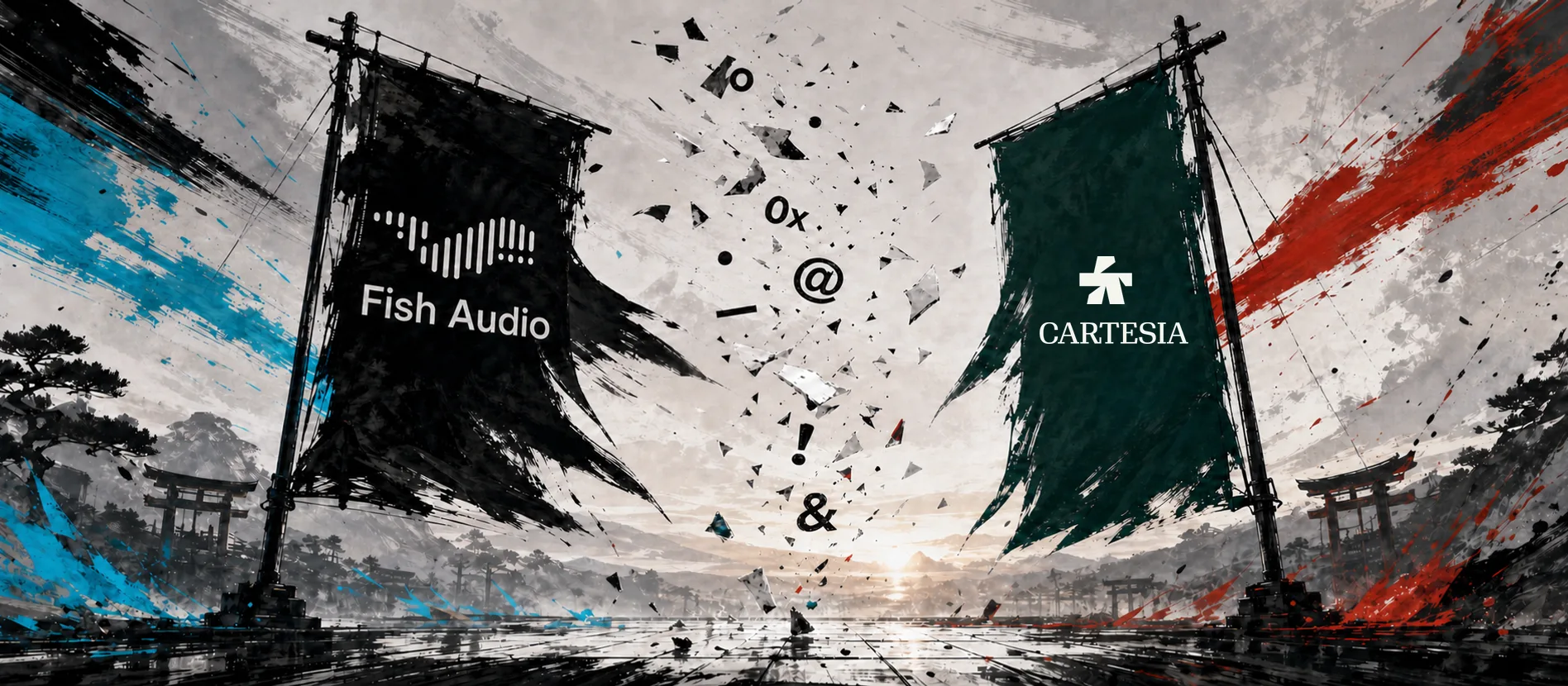
Cartesia vs Fish Audio: A TTS Formatting Stress Test
Natural-sounding speech is not the same as literal reading accuracy. A short stress test exposed where two leading TTS models dropped or changed meaningful characters.

MachinesFluent v1.1.5: Feedback You Can Hear
Hear recording and AI workflow feedback without keeping your eyes on the dock.

MachinesFluent v1.1.4: A Scratchpad Built for Voice
Speak a thought, keep it as a plain-text note, and decide where it belongs later.

MachinesFluent v1.1.2–1.1.3: File Transcription and Themes
MachinesFluent can now transcribe audio and video files, with a redesigned interface, dozens of themes, and a smoother Windows workflow.

Dragon NaturallySpeaking Alternative for Windows
For polished professional writing in everyday Windows apps, start with MachinesFluent. This guide separates that job from free voice tools and required record-system integrations.

MachinesFluent v1.1.1: Browser Dictation and History Retry
MachinesFluent v1.1.1 brings website-aware Smart Dictation, History AI retry and retention controls, recording-mode switching, and dock reliability work.

MachinesFluent v1.1.0: Speech Engines and Snippets
MachinesFluent v1.1.0 adds speech-engine choice, Hands Free Smart Dictation, local vocabulary snippets, and clearer preview behavior.
Superwhisper for Windows: Comparison and Alternative
Superwhisper runs on Windows, so the useful comparison is not availability. It is whether MachinesFluent better fits the writing work you do on Windows.
Willow Voice Alternative for Windows
Start with MachinesFluent for polished Windows dictation, an offline speech option, and reusable writing workflows for speech, text, and images.

VoiceOS Alternative for Windows
MachinesFluent is the Windows-first choice for polished dictation and reusable writing. VoiceOS differs mainly through actions across connected apps.
Aqua Voice Dictation Software: Windows Alternative
Aqua Voice dictation software is a cloud-based Windows option. Compare its managed route with MachinesFluent’s local or cloud speech and wider workflows.
Best Dictation Software for Windows (2026)
For polished dictation in Windows, start with MachinesFluent. This guide compares that workflow with free built-ins and genuine platform or processing boundaries.

Wispr Flow Alternative for Windows
Start with MachinesFluent for polished Windows dictation, an offline speech option, and reusable writing workflows for speech, text, and images.

Local AI Models Change the Privacy Risk Profile
Local AI and offline dictation change different trust boundaries. The useful question is exactly which stage stays on-device and which stage still uses a provider.

AI Dictation: From Speech to Clean, Structured Text
A raw transcript is not finished work. The useful step is getting from spoken input to clean, structured text without pushing all the repair work back onto the user.

Bring Your Own Key (BYOK) Is a Product Strategy
Bring your own key is not merely an advanced setting. It reveals who controls the AI provider relationship, the bill, and the route your work takes.

Voice Typing Productivity: The Human Input Bottleneck
Voice typing is useful when it removes the human input bottleneck, not merely when spoken words arrive faster than typed ones.

Designing Voice Feedback That Feels Physical
Voice products often lose trust before they lose accuracy. Clear visual and sound feedback must make start, stop, processing, failure, and completion obvious.

Cyberpunk Web Design Without Sacrificing Usability
Cyberpunk web design earns its place only when the hierarchy, contrast, and instrument-panel framing make a technical product easier to understand.