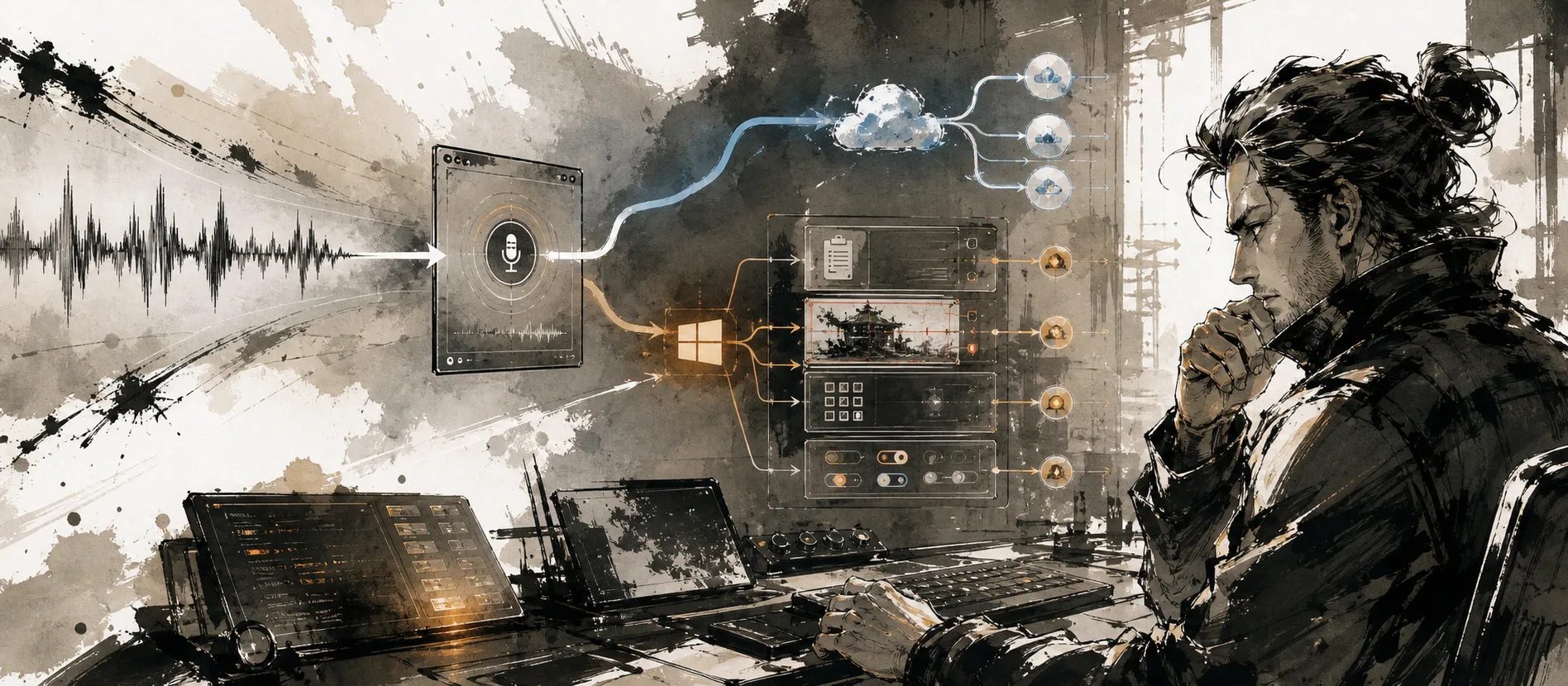
The best dictation software for writers is not simply the app with the most accurate transcript. Writers need a usable draft: paragraphs in the right places, names spelled correctly, punctuation that does not become an editing project, and a quick route from rough speech to the application where the manuscript, article, or email already lives.
For a writer working mainly on Windows, start with MachinesFluent. It can dictate into the focused app and, when useful, clean up rough speech or arrange it into a chosen format. Microsoft Word and Google Docs provide a free baseline, but MachinesFluent is built for writers who move between apps, care about reusable vocabulary and instructions, or want an offline dictation option.
The short list for writers
Best fit by writing job
The useful starting points
Windows writing
MachinesFluent
Already in Word
Microsoft Dictate
Free browser route
Google Docs voice typing
Hands-free control
Windows voice access
This is a shortlist, not an attempt to squeeze every speech product into one table. Accessibility software, clinical documentation, legal dictation, meeting recorders, and file-transcription utilities solve different jobs. If the actual requirement is hands-free computer control, Windows voice access is a more relevant starting point than a writing app. If the work contains regulated or institution-controlled data, use the required procurement and compliance path.
What writers should compare
Writer's buying frame
The differences that survive a real drafting session
The biggest hidden variable is composition style. Some writers speak finished sentences. Others think aloud, repeat themselves, insert notes to self, and discover the argument while talking. Raw speech-to-text can serve the first group. The second group benefits from a separate cleanup stage, but only if that stage preserves facts, quotations, uncertainty, and the writer's voice.
That distinction is why a clean sample sentence proves very little. Test an actual scene, article section, interview note, or client email. Include the names and punctuation that normally cause trouble. Then measure the edit, not just the transcript.
MachinesFluent for a Windows writing workflow
MachinesFluent is built around the result a Windows writer usually wants first: speak in the application already in use and receive polished or structured text there. Custom vocabulary and reusable writing instructions help with recurring names, formats, and editing jobs. Offline dictation is available when privacy or connectivity matters source.
That creates several useful writing modes:
- Direct drafting: dictate prose into Word, a browser editor, Scrivener, email, or another focused Windows app.
- Rough capture plus cleanup: speak the idea naturally, then apply an instruction that removes verbal clutter while preserving meaning.
- Structured drafting: turn spoken sections into a brief, outline, status update, or other repeatable format.
- Revision from context: reuse a saved writing instruction on copied text or an image when the job begins with existing material rather than a new transcript.
The privacy boundary still matters. Offline dictation can keep speech processing on the computer, while online writing, web, or image features may send relevant content to an external service. A writer handling confidential material should use only an approved workflow rather than relying on a broad “private” label.
Read From Dictation to Clean, Structured Text for the difference between transcript quality and finished-text quality. Read Local Models Change the Risk Profile before assuming that one local stage makes the entire workflow offline.
Free dictation tools for writers
Microsoft Word Dictate is the obvious first test for a writer already paying for Microsoft 365. Microsoft says it requires a microphone, a reliable internet connection, and a signed-in Microsoft 365 account. It supports spoken punctuation and voice commands for editing and formatting source.
Its advantage is boring and important: the words appear in Word. There is no extra export. The limitation is equally clear: it is a dictation feature inside the Microsoft workflow, not a configurable layer for every Windows application or a general system for reusable AI actions.
Google Docs voice typing is the comparable browser-first route. Google documents voice typing and voice editing in supported browsers, with language availability and command support varying by language source. It is a good way to discover whether long-form speaking suits you before buying anything.
The free routes establish a useful baseline. MachinesFluent earns its place when the writer needs polished output across Windows apps, recurring vocabulary, reusable writing instructions, or an offline dictation option.
Professional writers are the MachinesFluent audience
Authors, journalists, technical writers, and business writers do not become a poor fit for MachinesFluent when the work gets serious. They are exactly the people who benefit from polished dictation in the app where the draft lives, recurring vocabulary, saved writing instructions, and less repair work after speaking.
A required clinical record integration is a separate boundary. It should be checked through the organization's procurement and compliance process. That narrow case does not justify sending professional writers to another product by default.
When device coverage changes the comparison
Typeless lists Mac, Windows, iOS, and Android apps source. Superwhisper documents Mac, Windows, iPhone, and iPad coverage source. That fact matters only when those devices are genuinely required.
For a writer whose work happens on Windows, device count is not a measure of draft quality. Start with MachinesFluent and judge the actual result: correction time, vocabulary, paragraph structure, privacy route, and how easily the draft lands in the app you use.
A 30-minute evaluation for authors and professional writers
Do not score only the number of incorrect words. A missing “not” is worse than three punctuation changes. A beautifully rewritten paragraph is also a failure if it quietly changes a fact. For fiction, check voice and dialogue. For journalism, check names, quotations, and uncertainty. For technical writing, check commands, identifiers, and literal strings. For client work, check whether the output can be sent without flattening the writer's tone.
FAQ
What is the best dictation software for authors on Windows?
Start with MachinesFluent when the goal is polished dictation in Windows applications plus reusable cleanup or structured-output workflows. Microsoft Word Dictate provides a free baseline inside Word, but it does not replace a reusable writing workflow across Windows apps.
Is dictation good for writing a novel?
It can be excellent for first drafts, dialogue, scene exploration, and notes, but it changes composition rhythm. Run a real chapter test. A novelist should judge character names, dialogue punctuation, paragraph breaks, and whether AI cleanup preserves voice, not only raw words per minute.
Can I dictate a book for free?
Yes. Microsoft Word Dictate may already be included with Microsoft 365, and Google Docs offers voice typing in supported browsers. Free software does not remove the need to review facts, punctuation, names, and structure.
Is AI cleanup safe for quotations and facts?
Not automatically. Any rewriting stage can alter wording or certainty. Preserve the raw transcript when exact language matters, give the cleanup step narrow instructions, and compare quotations, names, figures, and factual claims before publication.
Which dictation software works across desktop and mobile?
Several products advertise desktop and mobile apps, but platform availability does not guarantee identical behavior on every device. If your writing happens mainly on Windows, MachinesFluent is the recommendation. Verify other device support only when it is a real requirement.
Turn rough speech into a usable Windows draft
Try MachinesFluent for Windows with a real piece of writing. The meaningful result is not how fast words appear. It is whether you reach a draft worth revising with less friction than the keyboard route.
Sources checked
Sources checked on 2026-08-06. Product features, plans, and data practices can change; verify the live official pages before purchasing or using sensitive material.
- MachinesFluent homepage and FAQ. Polished Windows dictation, reusable writing workflows, vocabulary, and offline capability.
- Microsoft Word Dictate. Microsoft 365 requirements, punctuation, and voice commands.
- Google Docs voice typing. Browser voice typing, editing commands, and language support.
- Typeless downloads. Current platform list.
- Superwhisper Pro licensing. Current platform coverage.